My SpaceMy Workspace
Policies
Read company policies, acknowledge them, and review acknowledgement history.
Use Policies to access company policies that have been shared with you.
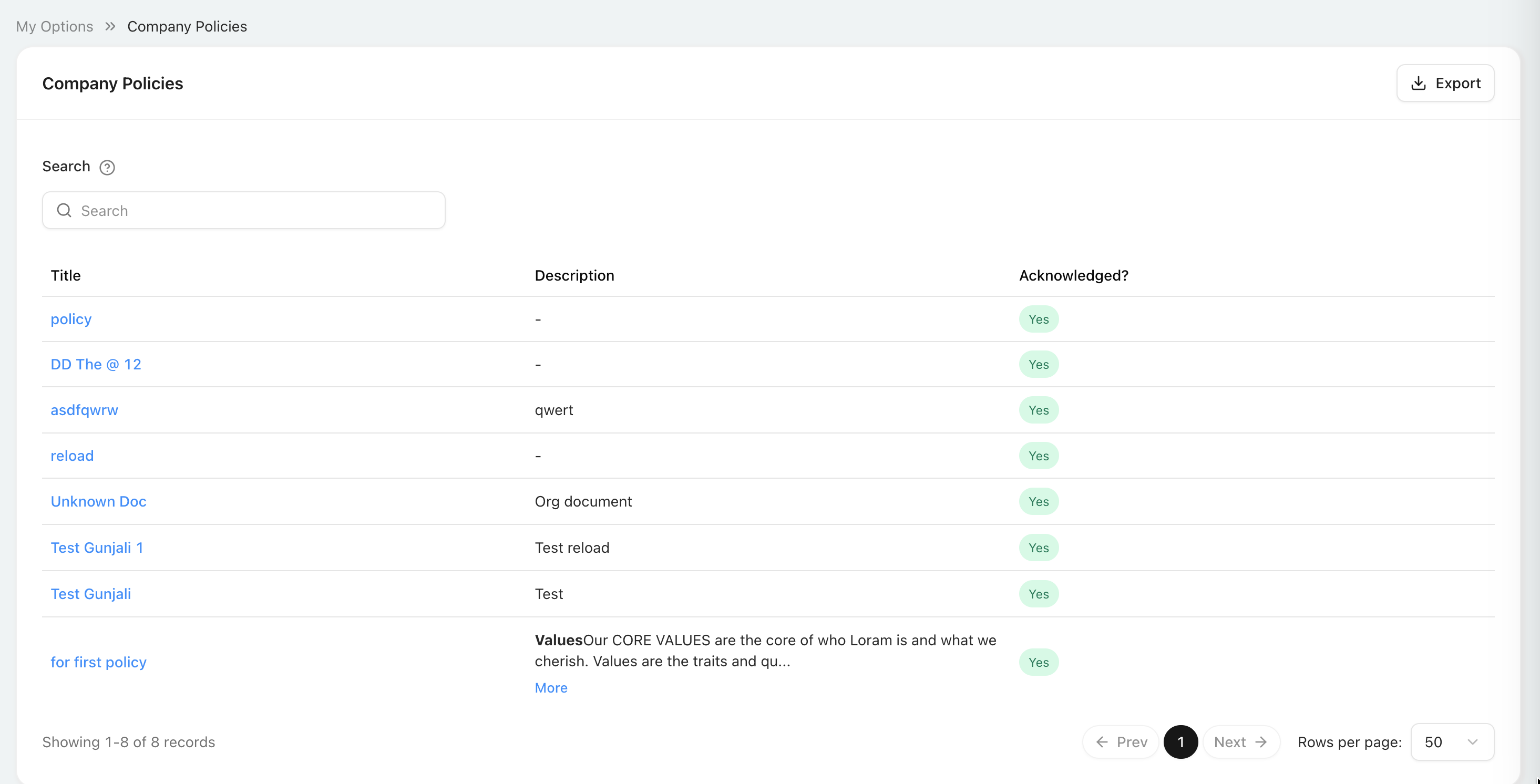
Policy list
The list contains the policies available to you. It does not require a separate module permission.
| Field or action | What it means |
|---|---|
| Search | Filters the visible policies so you can find a specific policy. |
| Title | The policy name. Select it to open and read the policy. |
| Description | A short explanation of the policy. Select More when a longer description is truncated. |
| Acknowledged? | Shows whether you have acknowledged the policy. Yes means no further acknowledgement is required for that policy. |
| Export | Downloads the available policy-list data for offline reference. |
| Previous / Next | Moves between pages when the result contains more policies than one page can display. |
| Rows per page | Changes how many policies are displayed on each page. |
The record count at the bottom-left shows the displayed range and total number of policies.
Read and acknowledge a policy
- Select the policy title in the list.
- Read the complete policy in the Company Policies viewer.
- If the policy has not been acknowledged, select Acknowledge to the right of Close.
- Close the viewer and confirm that Acknowledged? shows Yes.
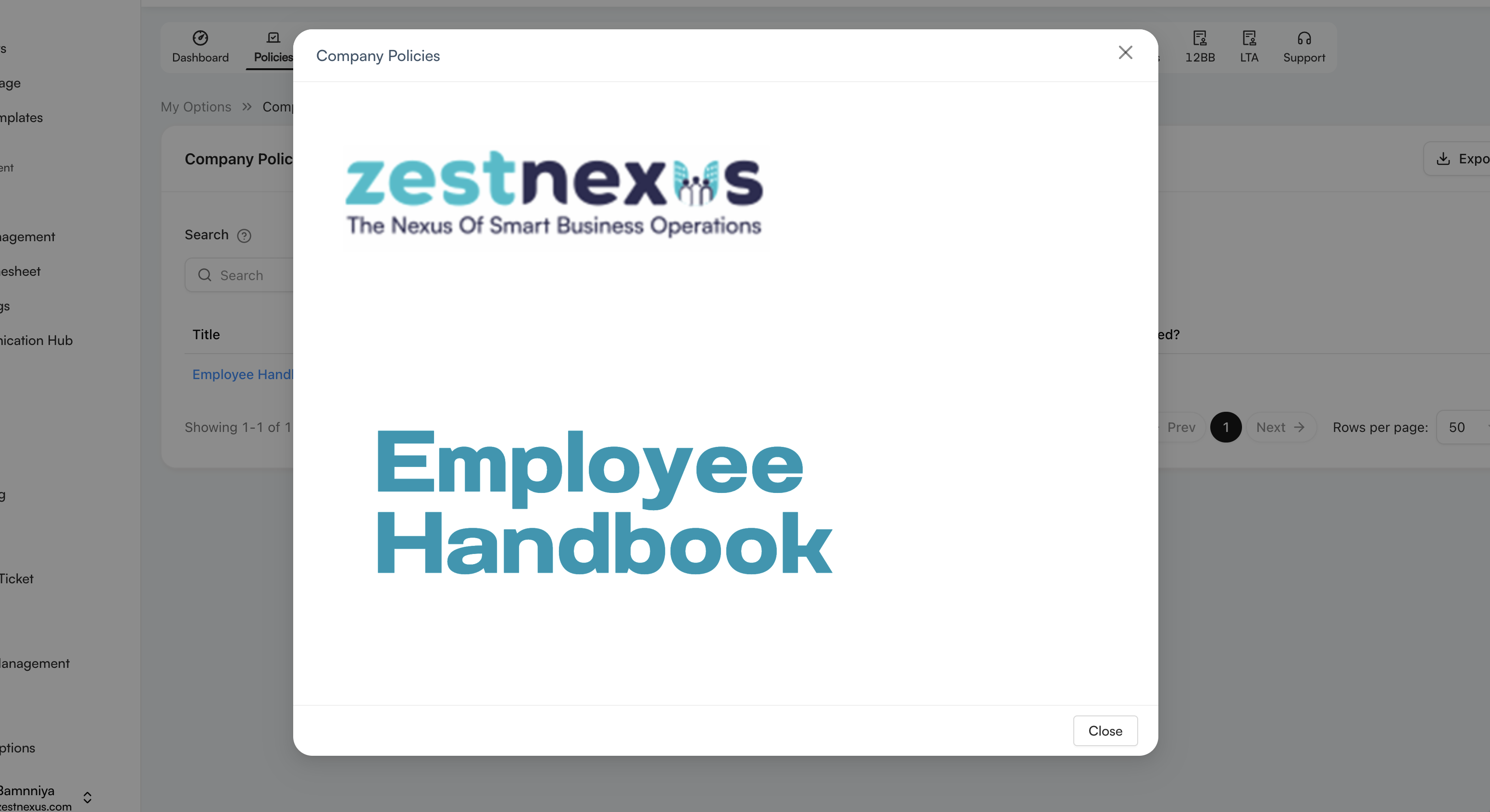
The screenshot shows a policy that is already acknowledged, so only Close is visible. For a policy awaiting acknowledgement, the Acknowledge button appears immediately to the right of Close. The X in the top-right also closes the viewer without changing the acknowledgement status.
Common use cases
- Read the current version of a company policy.
- Acknowledge that you have read and understood a required policy.
- Review your previous policy acknowledgements.
- Check whether any policy still needs action.
Read the complete policy before acknowledging it. An acknowledgement becomes part of your policy history.