Application Sidebar
Find every main area of ZestNexus and understand when to use it.
The application sidebar is the main way to move between ZestNexus modules. The items you see can vary with your organization's plan and your role permissions.
Sidebar reference
| Group | Pages | Use this group for |
|---|---|---|
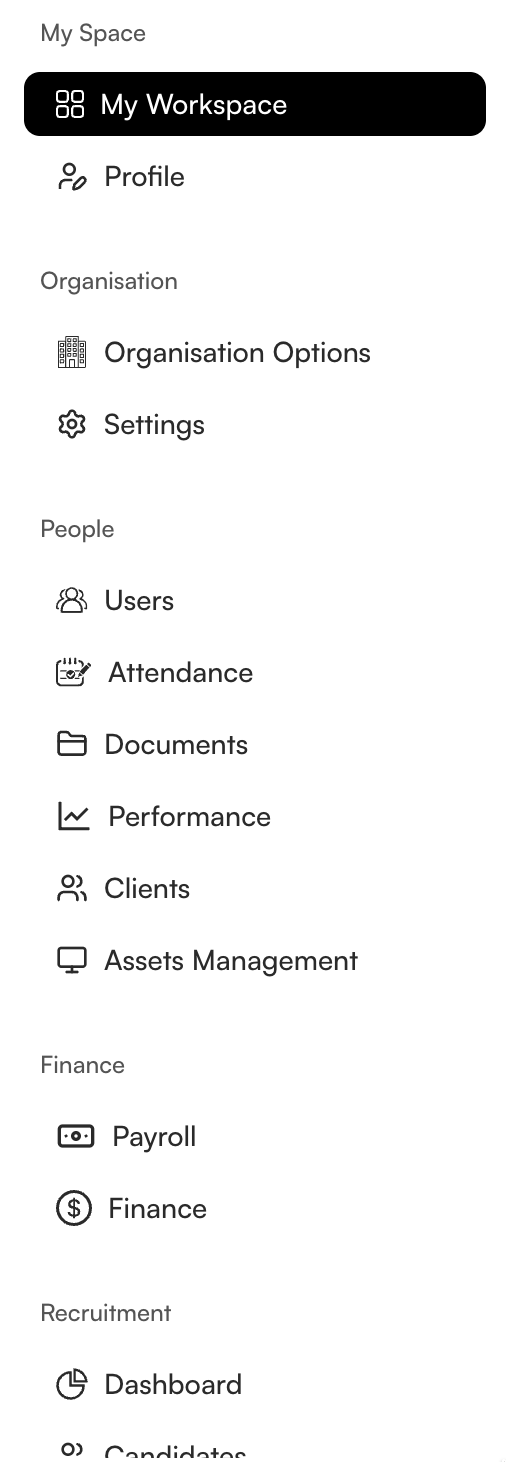
| My Space | My Workspace, Profile | Personal work, account details, and preferences. |
| Organisation | Organisation Options, Settings | Company-wide configuration and reusable organization values. |
| People | Users, Attendance, Documents, Performance, Clients, Assets Management | Employee administration and the resources connected to people. |
| Finance | Payroll, Finance | Employee pay and general financial operations. |
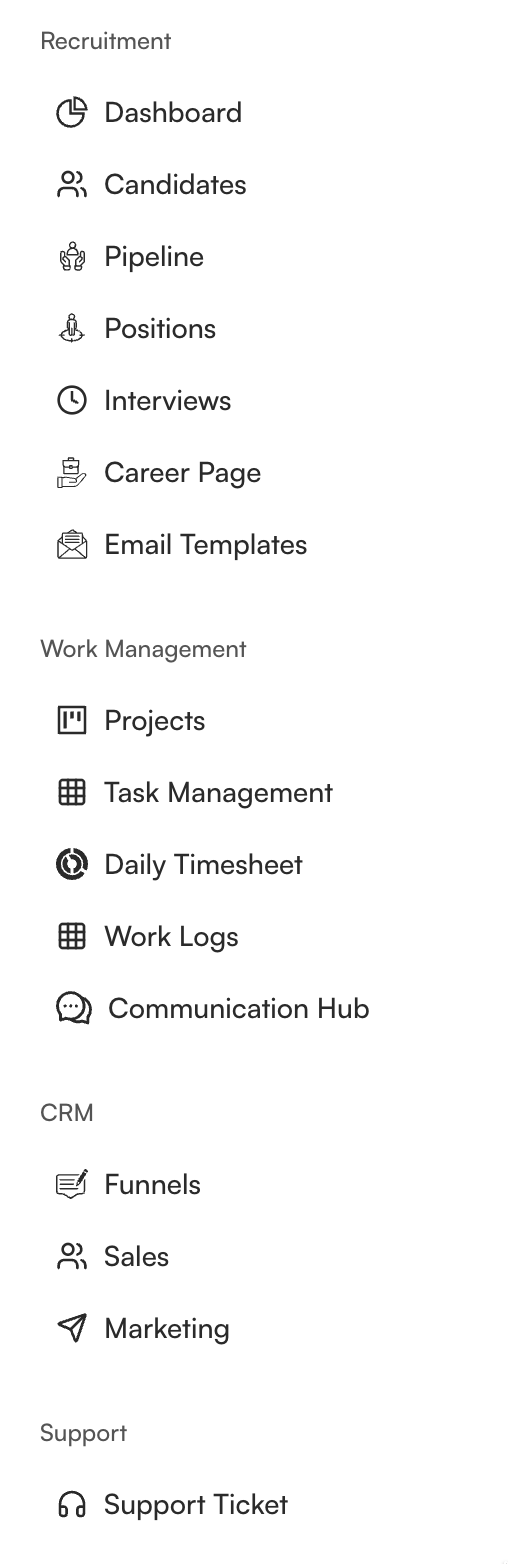
| Recruitment | Dashboard, Candidates, Pipeline, Positions, Interviews, Career Page, Email Templates | Hiring from opening a position through candidate communication. |
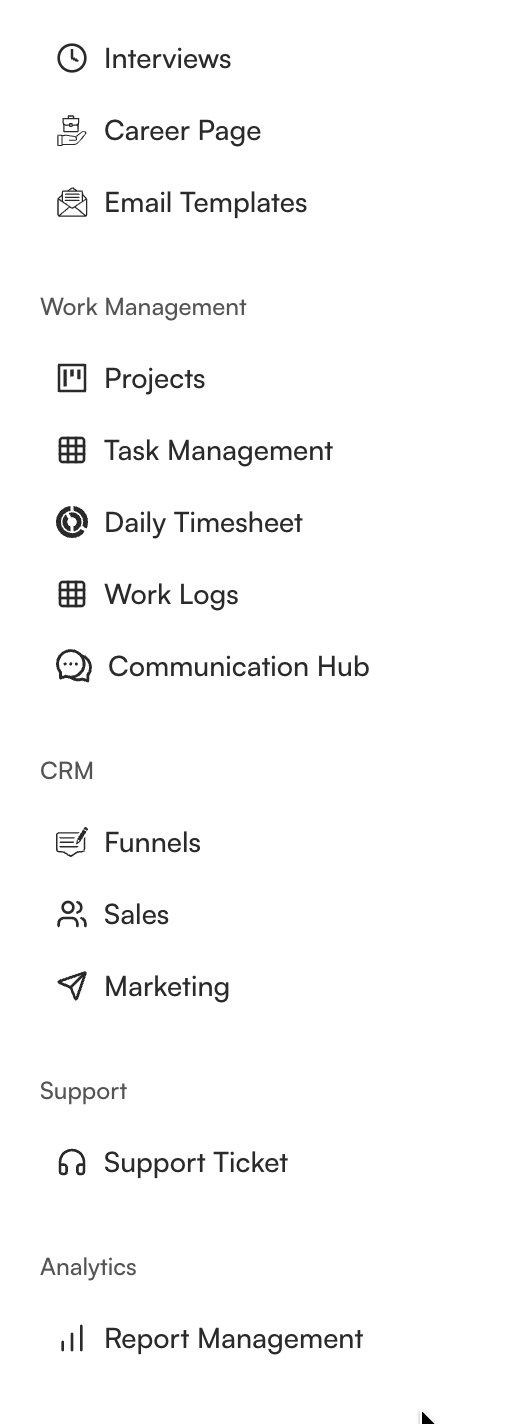
| Work Management | Projects, Task Management, Daily Timesheet, Work Logs, Communication Hub | Plan, assign, record, and discuss work. |
| CRM | Funnels, Sales, Marketing | Manage prospects, sales activity, and outreach. |
| Support | Support Ticket | Request and track help. |
| Analytics | Report Management | Build, review, and export reports. |
What the sidebar looks like
The following screenshots show the complete sidebar from top to bottom. Some entries overlap between screenshots to preserve navigation context.
How to use this guide
Open the page that matches the sidebar item you want to understand. Each page explains the purpose of the area, common use cases, and the kinds of information you can expect to find. Availability and allowed actions depend on your permissions.